Redeem Your Onda Points

1. Log in to your Onda Account

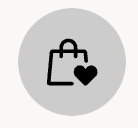
2. Click on the Heart Shopping Bag Icon on the lower right corner of your screen.
heart basket points

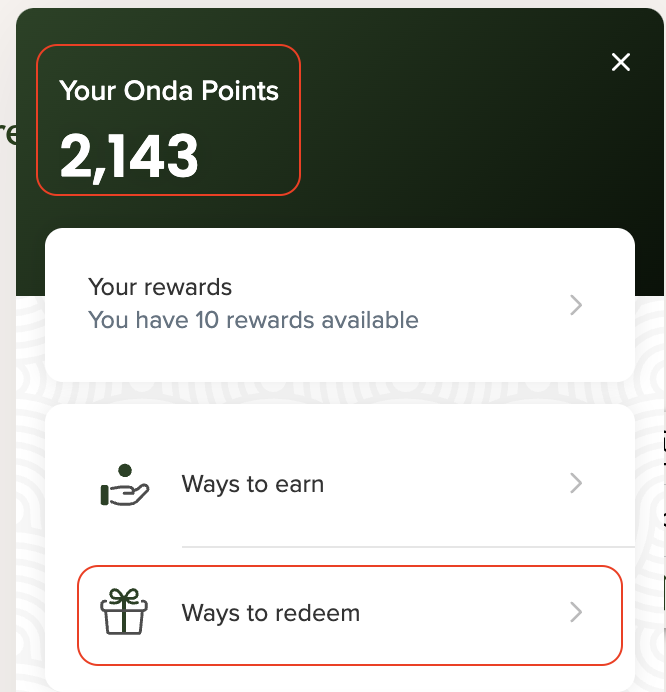
3. Notice the amount of "Your Onda Points" available

4. Click "Ways to Redeem"

5. Click "View"

6. Toggle to the amount of points you'd like to use 

7. Copy the coupon code

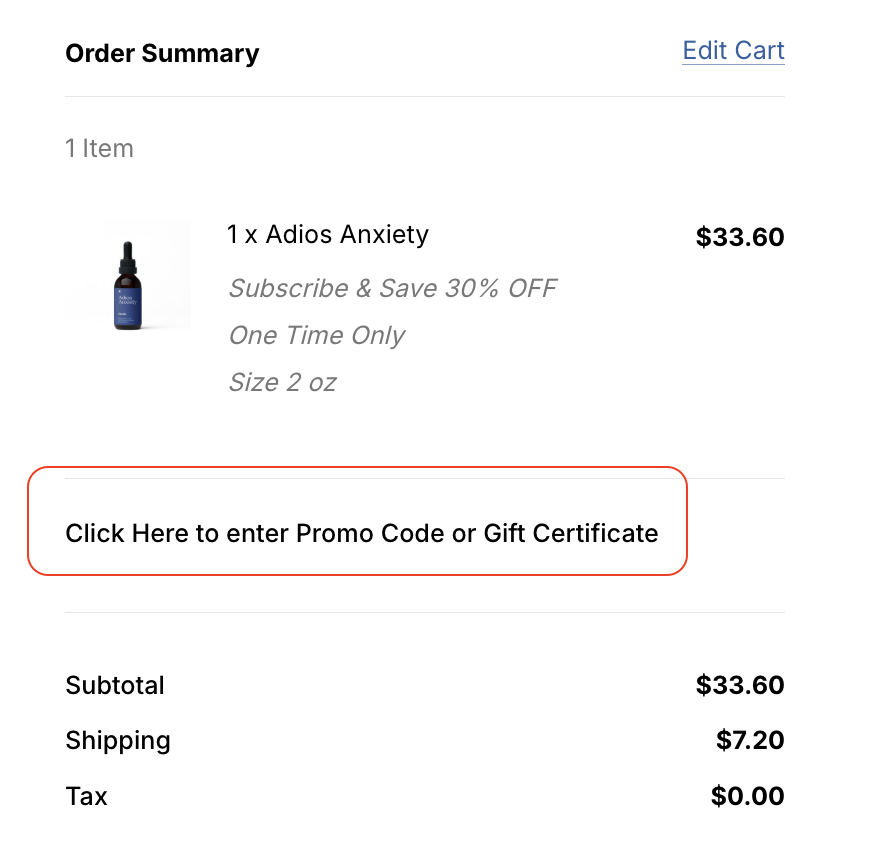
8. Go to your Onda shopping cart

9. Right above your cart subtotal, click on "Click Here to enter Promo Code or Gift Certificate"


10. Paste/Enter your coupon code and click "Apply"

11. Your coupon code will be applied and your points will be redeemed. 

Call or text us if you need any support!
We're happy to help in real time. 
(303) 801-2822